
WINRecommended for Windows
Windows portable
Choose this for most Windows PCs. Extract the zip and run wispterm.exe without an installer.
SHA2561c278fbc819f7dced8cc20dfc5b141d3dcf661b86f94a161436ce8eeed3cdb6c
Download ZIPOPEN SOURCE · WINDOWS & MACOS
Latest release v1.40.2 is availableWispTerm brings SSH, split panes, file browsing and previews, and agent sessions into one open-source desktop app—so you can switch windows less and stay focused on the work.
SMART DOWNLOAD
We detect Windows or macOS and surface the most common package first. When a Mac CPU cannot be identified reliably, Apple Silicon is the default recommendation.
Detecting this device…
Recommended for your device
For Apple silicon Macs including M1, M2, M3, and M4. Requires macOS 13 or newer.
wispterm-macos-aarch64-v1.40.2.dmgDOWNLOADS
These are the current Windows and macOS assets from the v1.40.2 GitHub release. Checksums are shown inline so the file you download can be verified.
Choose this for most Windows PCs. Extract the zip and run wispterm.exe without an installer.
Choose this if the regular ZIP has compatibility trouble. It is still portable and intended as the fallback Windows build.
Choose this when the default graphics backend does not work correctly. It is still a portable ZIP that uses an alternative rendering backend.
Choose this for Mac with M1, M2, M3, or M4 chips. Requires macOS 13 or newer; the DMG is signed and notarized by Apple.
Choose this only for Intel-based Macs. Requires macOS 13 or newer; check About This Mac if you are unsure.
WHAT'S NEW
The key additions and fixes from this release, summarized from the official GitHub release notes.
LEARNING CENTER
Start with the full video walkthrough, then browse focused guides and product notes when you need them.
Browse all guides →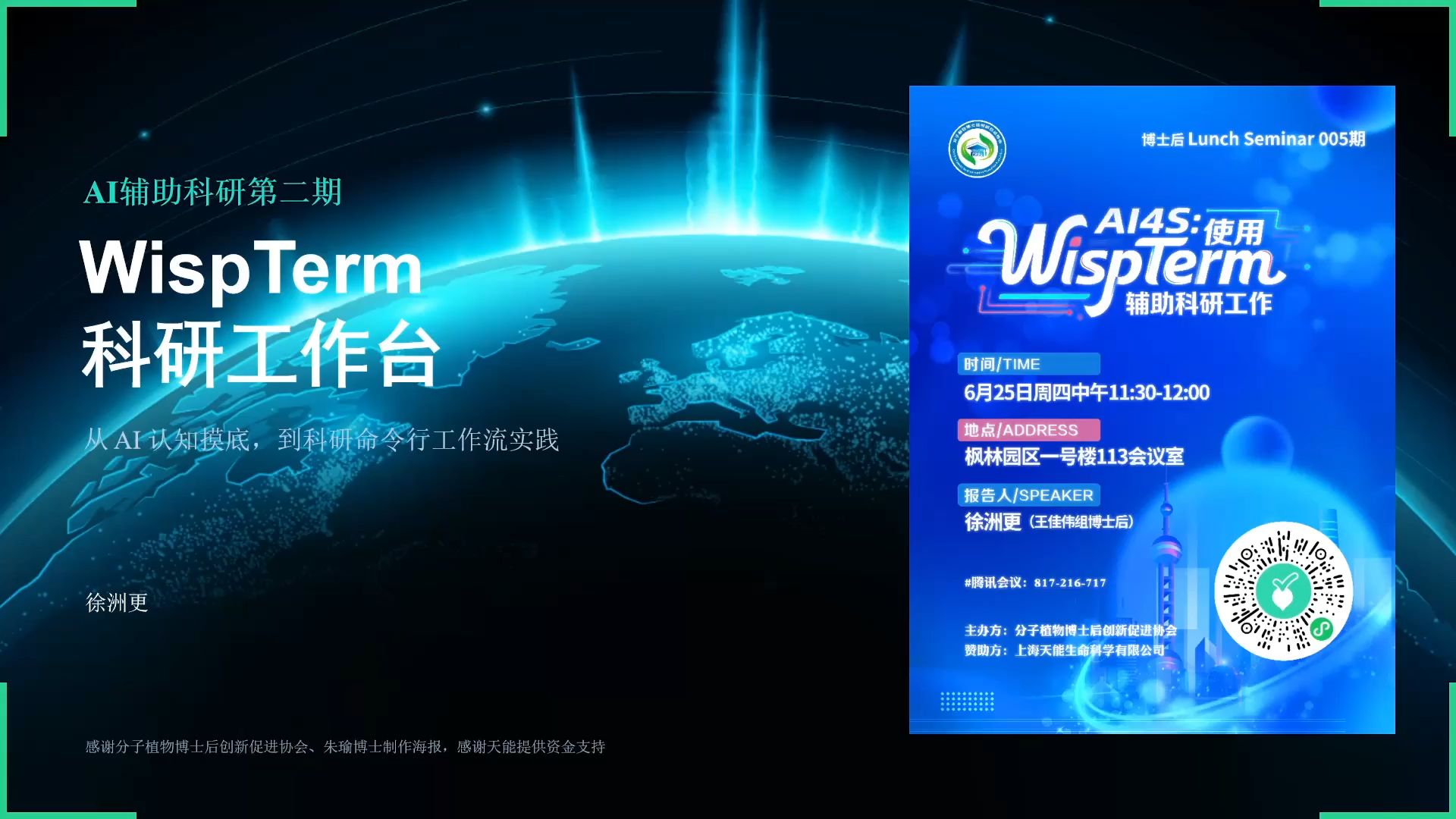 Featured video guide
WS / GUIDE / 01
TERMINAL WORKSPACE
WispTerm pairs terminal emulation with practical surrounding panels, so remote sessions, file context, previews, and AI coding work stay anchored to the command line.
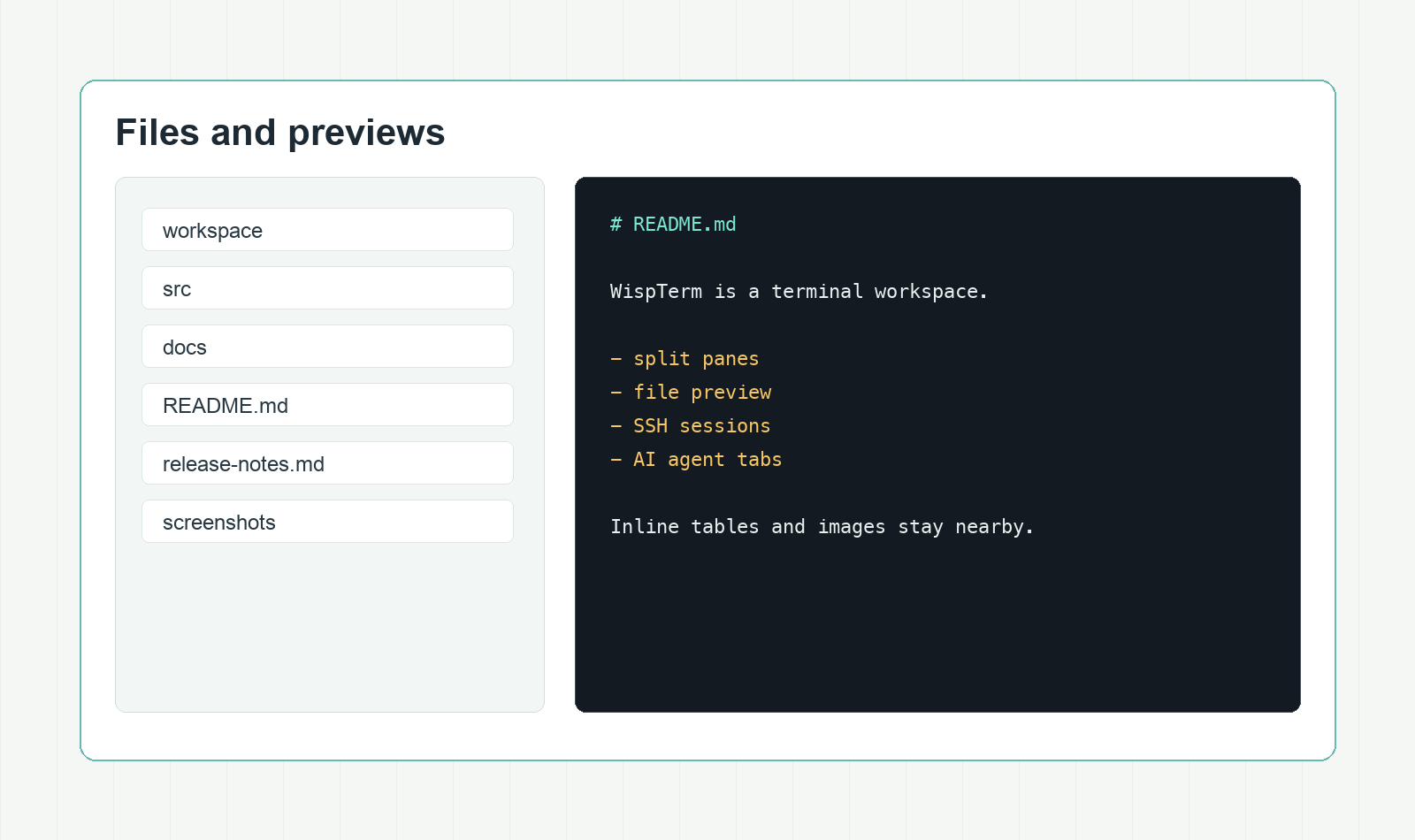
Uses libghostty-vt for VT parsing and terminal state, with native font discovery and per-glyph fallback.
Arrange vertical and horizontal splits, tab strips, focus-follows-mouse, spatial focus movement, and equalized pane sizes.
Browse local and SSH files, then preview Markdown, text, CSV, TSV, and images without opening another app.
Run OpenAI-compatible agent tabs with shell context, tool approvals, restored history, and clean Markdown export.
WORK MODES
File inspection, AI agent control, theming, browser previews, and rendering details share the same calm workspace.
Keep local and SSH file navigation adjacent to the active terminal, with previews one pane away.
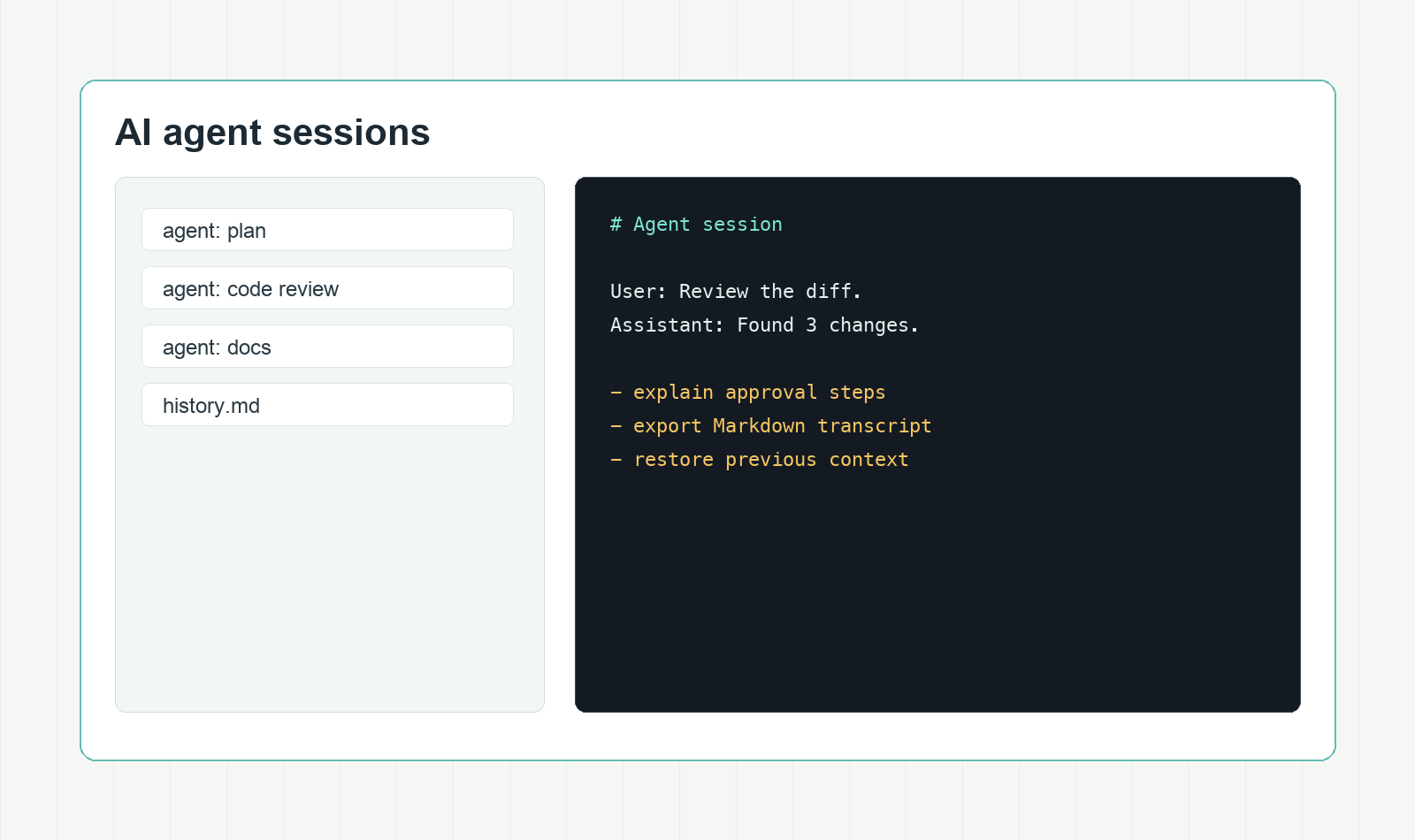
Keep agent conversations tied to the shell, preserve approvals, restore history, and export records.
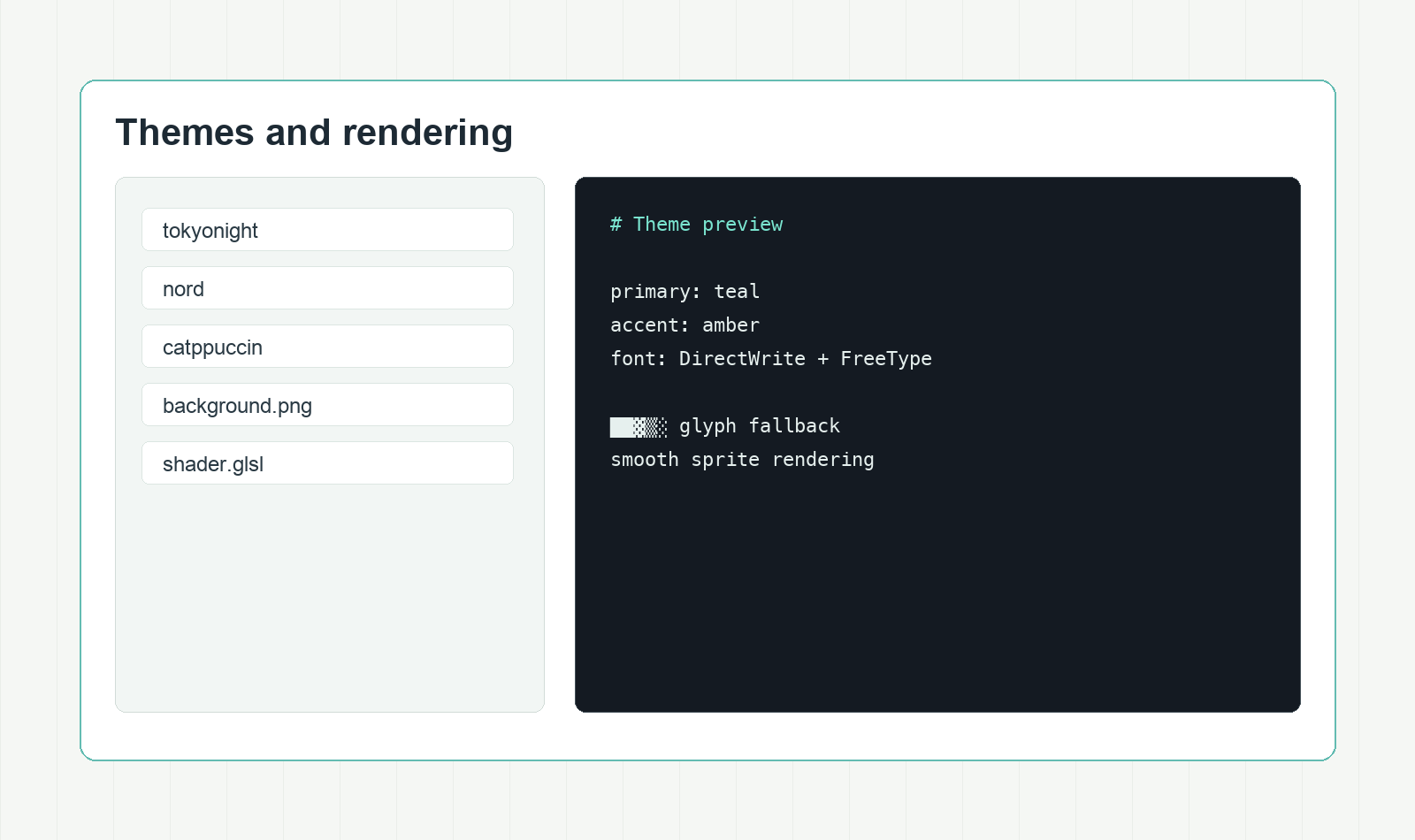
Start from 453 built-in themes, add background images, and tune the terminal with shader effects.
CORE FEATURES
WispTerm centers on the details that matter when the terminal is the main workspace, not a detached side tool.
Ghostty-compatible terminal emulation for VT parsing and terminal state.
DirectWrite discovery, FreeType rasterization, per-glyph fallback, and crisp terminal symbols.
Pane splits, tab sidebar, focus-follows-mouse, and equalized sizing.
Preview Markdown, text, CSV, TSV, and images without leaving the terminal.
Keep AI agent sessions beside the shell with approvals, history, and Markdown export.
Use built-in Ghostty-compatible themes, including Poimandres as the default.
Add PNG, JPG, BMP, GIF, or TGA backgrounds with terminal-aware opacity blending.
Open web URLs in a side panel on Windows, with SSH loopback forwarding for profile sessions.
Display inline images and PDFs from remote shells with helper scripts.
Open the config file from the app and apply changes on save without restarting.
Apply Ghostty-compatible GLSL post-processing when you want a more tuned terminal surface.
Render box drawing, block, braille, and powerline glyphs as crisp terminal sprites.
FAQ
Short answers for choosing and verifying the release packages.
Every package link points to the xuzhougeng/wispterm GitHub Releases download URL for v1.40.2.
Start with Windows portable. Choose the compatibility package if the regular ZIP has trouble, or the graphics fallback package for rendering issues.
The v1.40.2 release notes state that the macOS DMGs are signed with a Developer ID Application certificate and notarized by Apple. The macOS packages require macOS 13 or newer.
WispTerm uses a Ghostty-style key-value config file. Open it from the app, save changes, and the running workspace applies them without a restart.
The preview panel is built for daily terminal-adjacent files: Markdown, plain text, CSV, TSV, and common image formats.
The source is available on GitHub under the xuzhougeng/wispterm repository.